Audio Relaxation Solutions
Special audio tracks to help you sleep, concentrate or relax


Finding Your Inner Calm Is Easy
Do you ever feel frazzled from the day to day pressures? If so, you are not alone. Many people are in desperate need of a way to de-stress, and it can often feel impossible to calm down. Our soothing audio track packages provide just what you need to promote mind and body healing. They are the perfect starting place for your daily meditations. They also work great for helping you fall asleep and enjoy a deep, restorative sleep that will make you feel more refreshed than you have felt for a long time. Your new energy will not only help you reset and feel wonderful, but you will have a renewed bounce in your step. You will be able to face the day with a new vigor. Check out the packages we offer below and find out why some people have called our audio tracks the most relaxing music in the world.
Optimise your yoga sessions with chakra frequencies
The seven chakras are known as the energy centers of the body. They respond to different sound frequencies, and each has healing properties for both the body and the mind. This music generates the sound vibrations from this ancient scale historically. It’s used in chanting and sacred music, and can help balance the flow of energy through the body and bring harmony to the body, mind and soul.
Learn to relax faster and more effectively
In this modern world, we all juggle so many things. This is why we often end up sacrificing our relaxation time. It’s just so easy to fall into the trap of fearing to drop the ball. With our soothing audio packages, you can learn how to get into a state of deep relaxation much more quickly and easily. This relaxation music for deep sleep and healing will help to restore your body and mind, and get you prepared for whatever comes next.

Drift off into a peaceful sleep


PACK 1
Seven Chakra Audio Tracks
Made up of 7 individual one to two hour audio tracks, this pack has everything that you need to find your inner calm, relax and sleep better. Each track contains frequencies for different chakras. Check out our audio demos below.

Root Chakra, Frequency: 396 Hz
Perfect for yoga, calming activity, studying, awareness and alertness

Sacral Chakra, Frequency: 417 Hz
Let go of guilt, deep meditation, sleep, rest and relax

Solar Plexus Chakra, Frequency: 528 Hz
Endorphin release + binaural beats, yoga, calming activity, studying, awareness and alertness
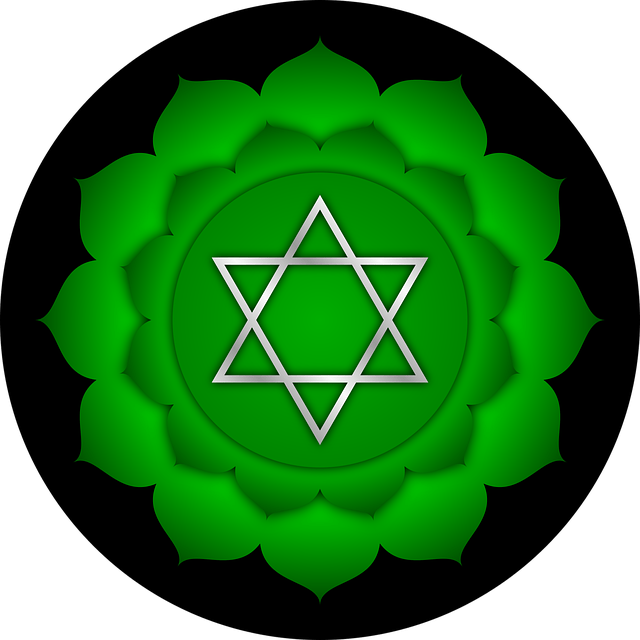
Heart Chakra, Frequency: 639 Hz
Yoga, calming activity, studying, awareness and alertness
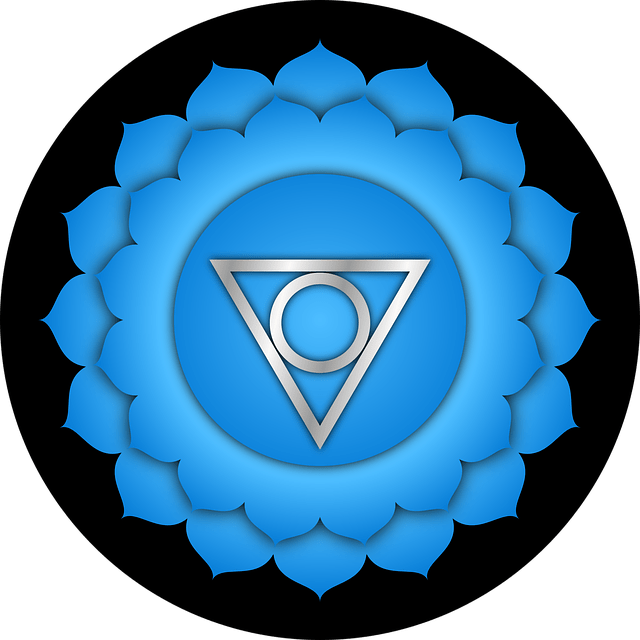
Throat Chakra, Frequency: 741 Hz
Binaural beats, deep meditation, sleep, rest, relax
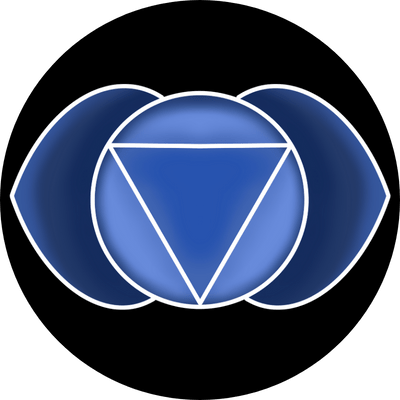
Third Eye Chakra, Frequency: 852 Hz
Intuition, connection to higher self
Crown Chakra, Frequency 963 Hz
Yoga, calming activity, studying, awareness, alertness
PACK 1 – SUMMARY

7 One-Two Hour Chakra Audio Tracks
- Root Chakra, Frequency: 396 Hz
- Sacral Chakra, Frequency: 417 Hz
- Solar Plexus Chakra, Frequency: 528 Hz
- Heart Chakra, Frequency: 639 Hz
- Throat Chakra, Frequency: 741 Hz
- Third Eye Chakra, Frequency 823 Hz
- Crown Chakra, Frequency 963 Hz
Plus a Bonus 30 Minute Meditation Track
A deeper state of alpha is found in meditation. This is where the mind begins to quieten itself. Although there are many different levels of meditation, with some of the most experienced meditators going down into theta and even delta, this audio takes you into a low alpha. This is enough to have an insightful meditative experience.
PACK 2
Binaural Beats + Endorphin release
Made up of 6 individual one hour audio tracks, this pack has everything that you meed to find your inner calm, relax and sleep better. Each track contains frequencies from different Chakras. Check out our audio demos below.
396Hz + 432Hz +528Hz
Yoga, calming activity, meditation, study, alert, awareness
741hz 528hz 111hz Mind Healing
Heart chakra (Yoga, calming activity, meditation, study, alert, awareness)
852hz 528hz
Yoga, calming, activity, meditation, study, alert, awareness)
432hz Deep Meditation
Deep meditation, sleep. rest, relax)
All 9 Solfeggio Frequencies
Deep meditation, sleep, rest, relaxation
Endorphin Release
Deep meditation, sleep, rest, relaxation
PACK 2 – SUMMARY
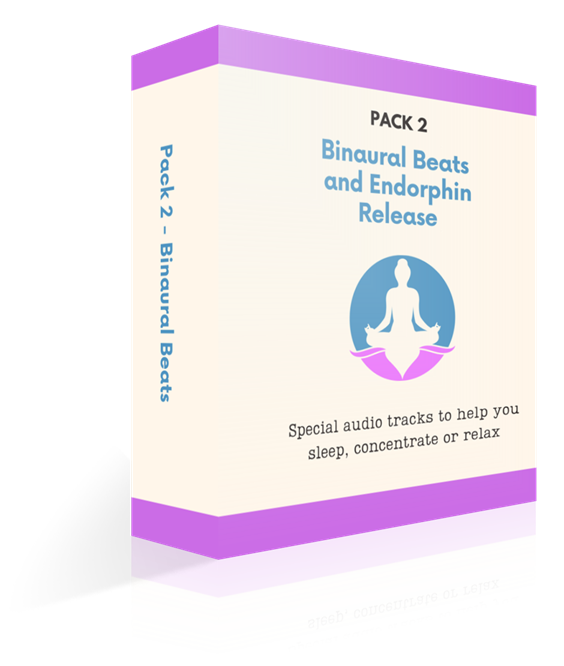
Binaural Beats + Endorphin Release
- 396Hz + 432Hz +528Hz
- 741hz 528hz 111hz Mind Healing
- 852hz 528hz
- 432hz Deep Meditation
- All 9 Solfeggio Frequencies
- Endorphin Release
Plus a Bonus 30 Minute Meditation Track
A deeper state of alpha is found in meditation. This is where the mind begins to quieten itself. Although there are many different levels of meditation, with some of the most experienced meditators going down into theta and even delta, this audio takes you into a low alpha. This is enough to have an insightful meditative experience.
Special offer – buy both packs today and save 20%
For a limited time only, buy both the Chakra Meditations and the Binaural Beats & Endorphin Release Packs together and save a huge 20% off the total.
latest articles

10 Effective Ways to Relax at Home
10 Effective Ways to Relax at Home - Improved...

Deep Sleep Versus REM Sleep: A Comprehensive Comparison
Deep Sleep vs REM: Understanding Sleep Cycles...

Unwind with Relaxing Music with Ocean Soundtracks
Ocean Soundtracks for Relaxation Listening to...